I’m going to say something a little controversial… If you have a website and you’re still sending people to Linktree, you’re leaking opportunities.
Yep. I said it.
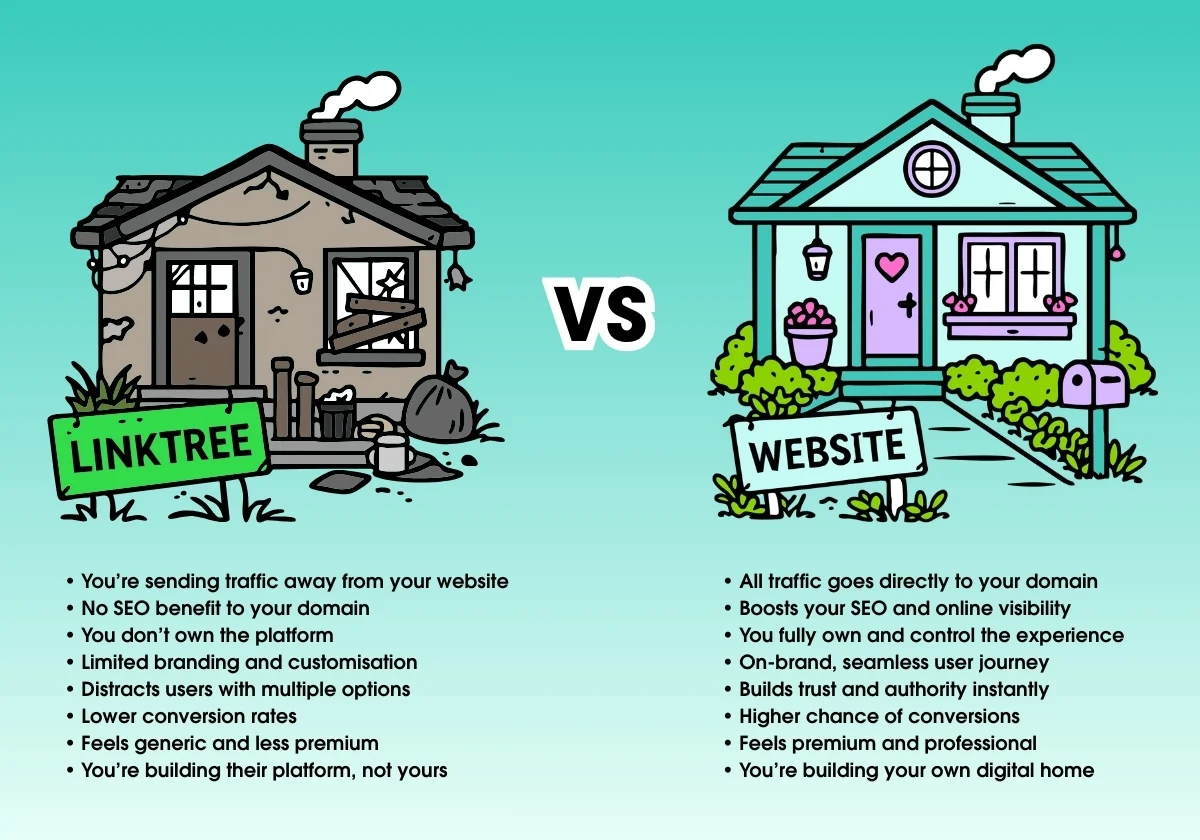
Because every time someone clicks your Linktree, they’re not actually landing on your website. And if they’re not on your website, you’re not building your brand, your SEO, or your authority. You’re essentially renting space, when you already own the house.
Now, to be fair, I’ve had quite a few conversations lately where Linktree has come up, and my answer is always the same… it depends where you’re at in your business. If you’re brand new and don’t have a website yet, Linktree can be a really handy little tool. It gives you somewhere to send people, keeps your links organised, and helps you show up online without needing to build everything from scratch straight away.
But once you do have a website, things shift. At that point, continuing to send people to Linktree often means you’re splitting your traffic across two places, when you could be bringing everything back to one central home that you actually own and control. And that’s where it starts to matter more than people realise.
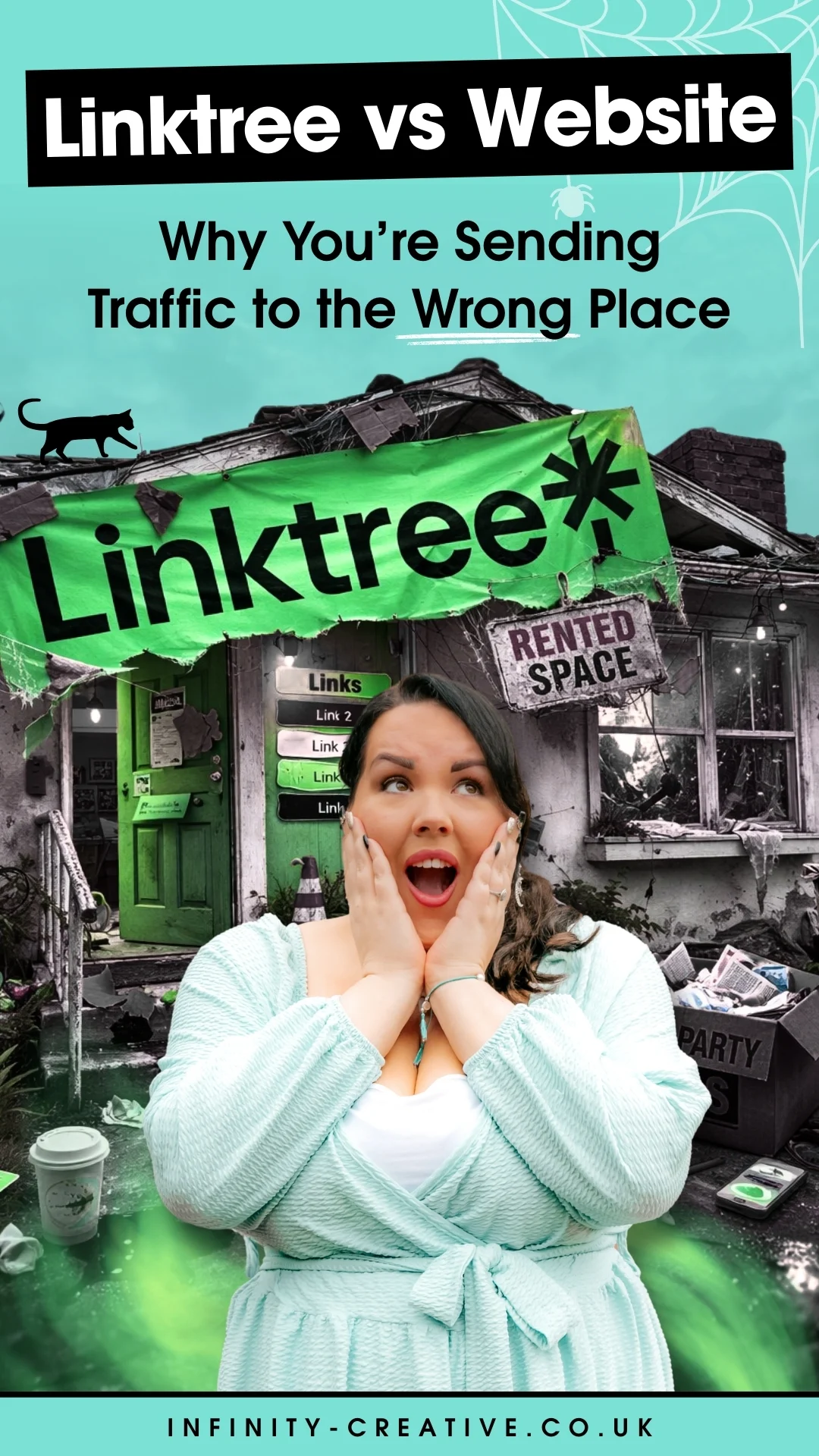
Table of Contents
Why I’d Always Recommend a Links Page on Your Own Website
Your website is your space. It’s where your brand lives properly. It’s where people get a feel for who you are, what you do, and whether you’re the right person for them.
So when someone clicks the link in your bio and lands on Linktree instead, they’re not really stepping into your world. They’re just skimming the surface.
Whereas if that same click takes them to your own links page, you’re keeping them within your brand environment. Even something as simple as your colours, your fonts, your tone of voice… it all adds up and builds trust without you having to say a word.
There’s also a practical side to this. Sending traffic to your own website supports your SEO over time, which Linktree can’t do for you.
When you create your own links page, you:
✨ Boost your SEO (more traffic to your domain = Google likes you more)
✨ Keep people inside your world (not someone else’s platform)
✨ Strengthen your brand experience
✨ Increase conversions (because you control the journey)
It’s a small shift, but it has a ripple effect.
The Instagram Link Problem & Why This Solves It
A lot of people try to work around Instagram’s one-link limit by constantly swapping out the link in their bio depending on what they’ve just posted.
It might feel like a clever workaround in the moment, but it doesn’t really hold up long term. If someone scrolls back through your content and finds something you shared a couple of weeks ago, there’s a good chance the link they need is no longer there.
A links page takes that pressure off completely.
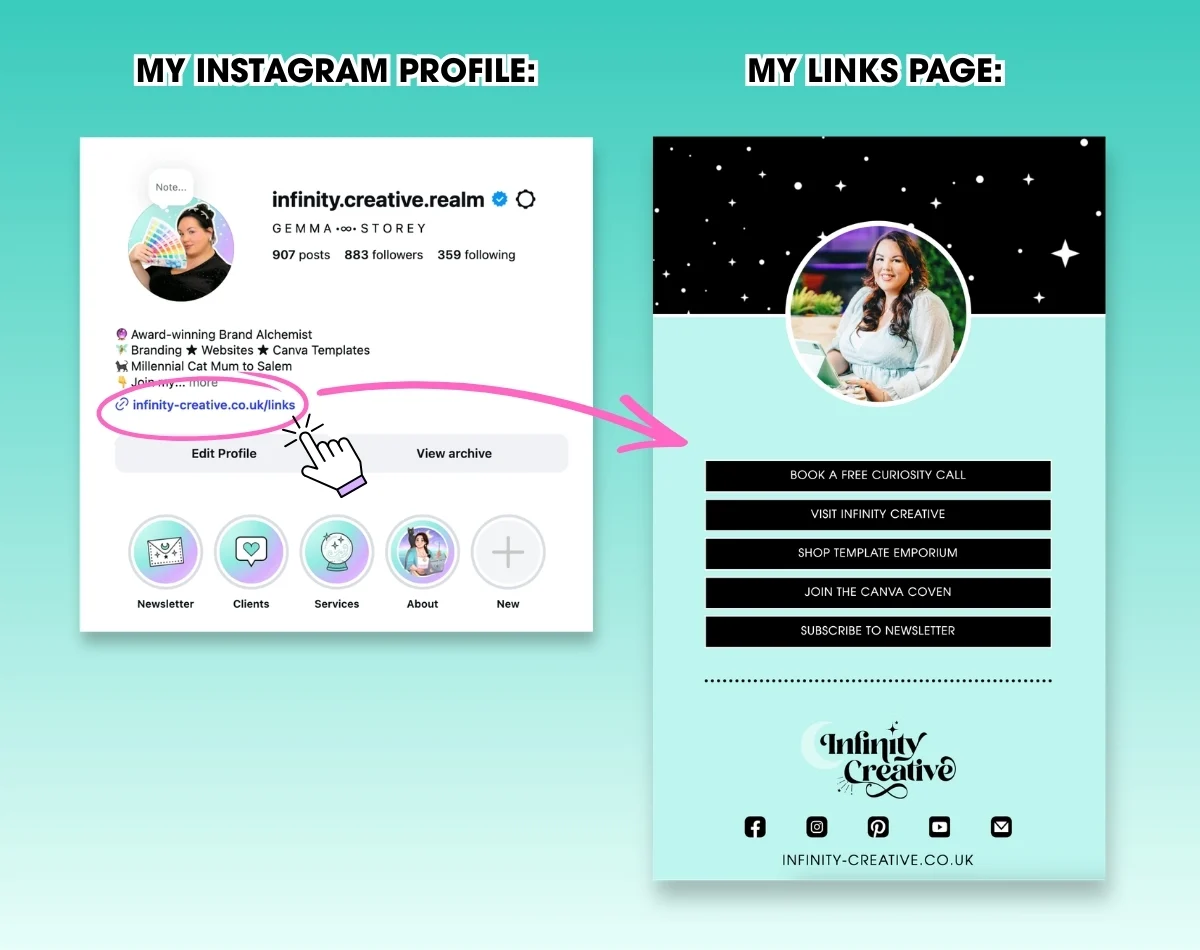
Instead of constantly updating your bio, you have one consistent link that houses everything. No matter when someone finds your content, they can still navigate their way to what they’re looking for. It’s easier for them, and a lot less admin for you.
It’s Not Just About Online Either
This actually comes in handy offline as well.
If you’re at a networking event or chatting to someone about what you do, you don’t need to list off five different places for them to find you. You can just send them to one link and let them explore.
From there, they can:
✨ Browse your website
✨ Join your Facebook group
✨ Look through your services
✨ Get a feel for your brand
It keeps things simple and gives them a much better experience overall.
How to Keep Your Links Page Clean & Easy to Use
You don’t need to overcomplicate this. In fact, the simpler it is, the better it tends to work.
Most people are used to seeing a straightforward list of links running down the page, and there’s a reason that layout works so well. It’s easy to scan, it works across all devices, and people instantly know what to do.
A few simple things to keep in mind:
✨ Keep your most important links near the top
✨ Make it easy to read and quick to scan
✨ Remove anything that’s no longer relevant
✨ Review it regularly so it stays up to date
You can absolutely make it feel on-brand and a bit more you, but clarity always comes first. If someone has to think too hard about where to click, they’ll leave.
One Thing I’ll Gently Call Out…
A links page is useful, but it’s not meant to replace direct links everywhere else.
If you’re sending an email, writing a post, or sharing something specific, it’s always better to link straight to the thing you’re talking about. Adding an extra step just makes it easier for people to drop off before they take action.
Your links page works best as a central hub, not a detour.
So, Should You Still Be Using Linktree?
If you don’t have a website yet, it’s a great starting point and it does the job.
But if you do have a website, it’s worth asking yourself why you’re sending people somewhere else first.
A simple links page on your own site keeps everything under one roof, strengthens your brand, and makes it easier for people to explore what you offer without distractions.
And honestly… it just feels more aligned with the professional level you’re operating at.

…
Thank you for reading.
Follow for more tips & tricks…👇✨
Instagram | The Canva Coven | YouTube | Newsletter
∞